
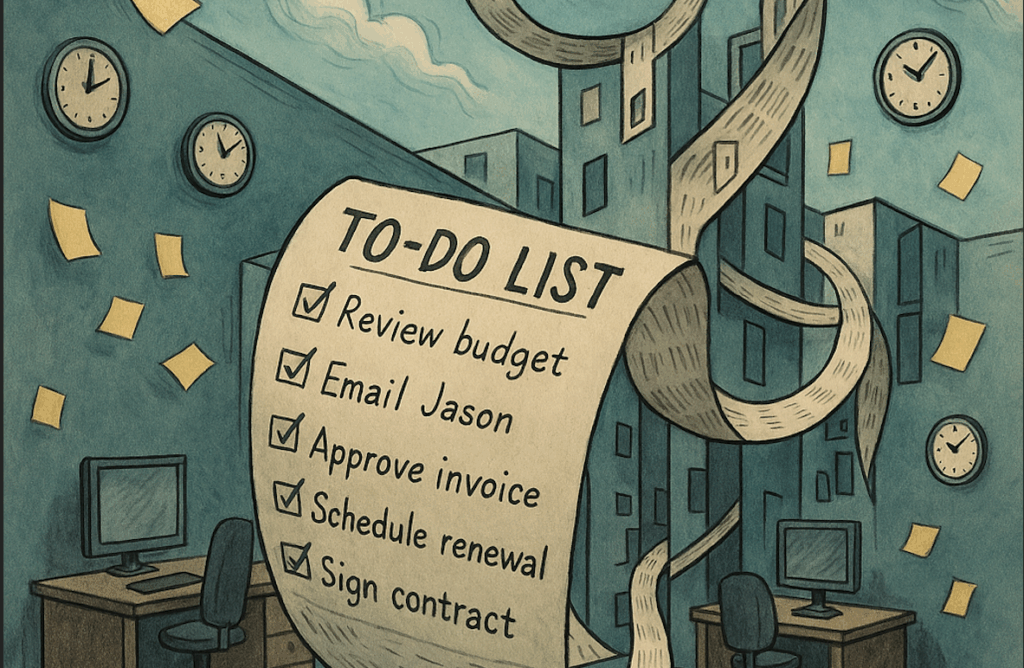
When I was young, I hated to do lists. I….HAAAAAATED…them. I didn’t like being reminded of things I had to do, and I thought I would be able to keep track of everything that needed to be done in my head.

Look…..I eventually figured out that I was being a bonehead, and having a to-do list is a great thing. In recent years, I have found that tasks I need to do occasionally slip my mind, so having a comprehensive list where I keep everything is a real benefit. That being said, I have a specific set of practices that I use for my to-do list. It’s vital for me to be able to use my to-do list in particular ways.
1) Categorize to organize – There are many different things happening in my life (as I’m sure there are in yours) that make it nearly impossible to pay attention to everything. I say “nearly” because, with a well-organized to-do list using Notion, it’s actually quite easy. I like using the different columns of information that the tables give us to ensure that I am able to easily prioritize what needs to get done. There are a couple of things that I do here which make my life SOOOO much easier. Firstly, I add a date to every task so I only worry about todays tasks today. Second, I like adding a “life sector” to any of my tasks so that I know what I’m doing and for whom it’s intended. Sometimes, “paying bills” can refer to either my business or personal life, so I prefer to be more specific. It also provides a quick visual aid, which means that if I don’t have time, I know which tasks can take priority.
2) Don’t overload yourself – I’ll be honest, I’m only like 60% good at this one myself. There are times when I will look at my daily to-do list and think to myself, “HOW THE HECK AM I SUPPOSED TO GET ALL THAT DONE TODAY!?!?!?!” If you put too much on your to-do list at one time, it’s super easy to overwhelm and overload yourself. That is why I’m such a big fan of the “Date” piece of metadata that can be added to your to-do list. If you add it, and when you set yourself a task, you can add a date (preferably a later date) so that the task goes away until it’s actually time to do it. In my ideal world, I prefer to have no more than 4-6 items on my to-do list on any given day. Anything more than that, and I won’t be able to complete all the tasks, or my day will get too busy, and I won’t be able to do all the things I want to do.
3) Find a quiet time to review – Something that happens to me is that I won’t have time to complete certain tasks on a specific day, or when I do, I will simply forget to click the “done” piece of metadata on my to-do list. The only problem with this is that if you don’t scratch the to-dos off your list, they will stay on your master list forever. This is why, once a week or so, I will find some quiet time to review my master to-do list and see what has been done, what needs to be rescheduled, and what needs to be added for the upcoming week. Typically, I like to sit at home on the weekend, sometimes in a comfortable chair and with a warm cup of coffee, and go through what needs to be sorted. Notion is great for this because I have apps on all my devices. This means that I can take time to address my to-do list, no matter where I am.
4) Put it off to tomorrow – Sometimes the day gets too busy. Sometimes life throws things at you that you weren’t expecting. Sometimes you don’t want to do the things today. I have experienced all of these things, and I must say that one of the best feelings for my to-do list (aside from getting things done and taking them off your to-do list) is knowing that you can reschedule low-priority tasks. I am always coming across tasks that I need to complete, but I just don’t have the time today to do them. Notion is great for this because I can set up my tasks on my list and know that I will be able to do them at a later date.
5) If you’re not doing it….don’t do it! – One other thing that I love about my to-do lists is that I can set up repeat tasks so that they show up on a daily/monthly/yearly basis. That being said, I have had a bunch of different tasks that I have tried to make into daily routines. Some work, some don’t. For those that don’t end up working, I have made it a habit (as part of my review (see point 3) to remove any daily tasks that I am regularly putting off. I simply take them off my to-do list. It’s not worth the mental hassle of having to reschedule every single day for something that you’re not doing. If you are in this situation and it’s not mission-critical, then simply remove it from your list and don’t worry about it.
I’ll be honest, while I was writing this post, I thought that you could apply these five practices to any to-do list. While this is true, I prefer using Notion for my to-do list because it allows me to collate different to-do lists using metadata, as I discussed last week. If you use these simple tricks, you will find your to-do list easy to manage.
What do you use for a To-do List?
Let me know in the comments section below. If you like this blog post and want to see more, you can follow me on Social Media (LinkedIn, Instagram, Blue Sky and Facebook @jasonlovefiles) or Subscribe to my blog to get new content delivered directly to your mailbox.