
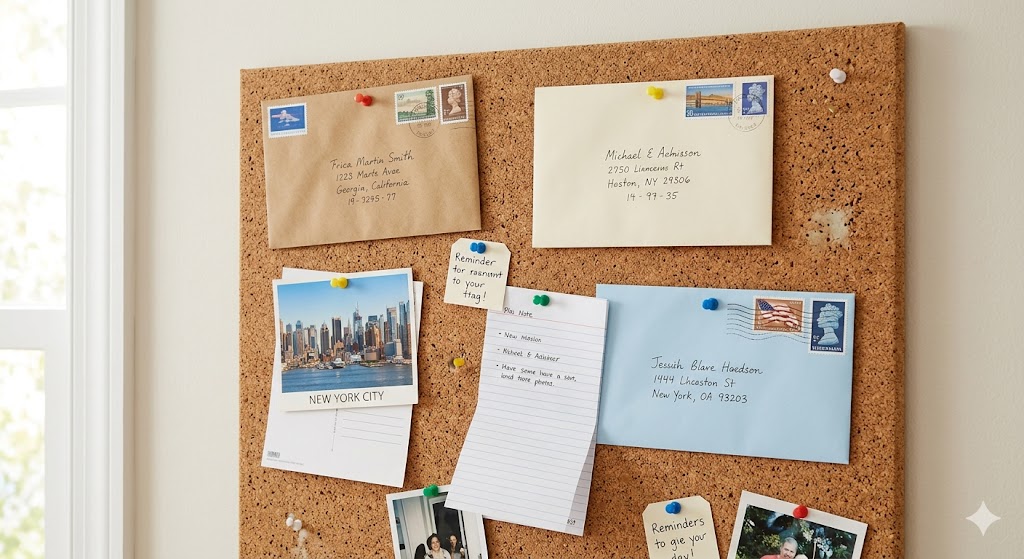
Most people have a messy relationship with email. The good news is that there are a hundred different ways to manage it, depending on the app you use. One simple feature that’s helped me a lot is pinning emails. If you’ve never used it, pinning is just marking an email so it stands out from the rest of your inbox. If you’re an Outlook person, you probably know it as flagging. I like pinning emails because it’s a quick and easy (and very visual) way to keep my eyes on messages that feel important enough to track.
In my personal life, the emails I pin most often are things like:
- Bills
- Special purchases I’ve made
- Messages I actually need to respond to
The email program I like using has a separate section for pinned emails, which is great. Once something is pinned, it shows up in its own place, and I can manage it separately from the rest of my inbox.
Pinned emails should be time- or task-sensitive
Like anything important, pinned emails need some kind of time sensitivity. Sadly, in most pinning and flagging systems I’ve seen, there isn’t a built-in way to add that urgency. (This is just based on my experience. If your app does have a way, tell me, and I’ll follow up.) So for now, the responsibility is on you to make sure the things in your pinned section actually get handled. When I pin something, I usually have a rough sense of how long it should live in that pinned section. I also keep my repeating “important” tasks in my to-do list, so sometimes what’s pinned lines up with what’s on my list. For you, the key is simple: review your pinned or flagged emails regularly so tasks do not get lost, and so you can confirm what’s pinned is still important.
Don’t forget to file it when you’re done
This is hugely important. I’m a massive to-do list junkie, and one of the best feelings in life is marking something as done. Pinned emails can work the same way. Technically, I keep pinned emails in my inbox. But even if I filed them away, they would still be pinned and still show up in my pinned section. So when I’m finished with whatever I needed to do, I unpin the email and file it away. That’s my version of “striking it off my to-do list” inside my email.
Pinning emails is a great feature you can use as part of an organizational system to make sure you pay attention to the important messages that come your way. Like everything else in your email system, it’s entirely up to you how you use it. If you want to pin notes from loved ones, or other things I haven’t mentioned here, you absolutely can. You can also pin something and leave it pinned forever (although I wouldn’t recommend that if you’re using pins for urgent “needs to be handled” stuff like I do). However you use it, or even if you do not use it at all, just know it’s one of many tools available in most (if not all) email programs.
Do you pin or flag emails? If so, what kinds of messages do you pin?
Let me know in the comments below. If you liked this post and want to see more, you can follow me on social media (LinkedIn, Instagram, and Facebook @jasonlovefiles) or subscribe to my blog to get new content delivered directly to your mailbox.