
As a guy who has his head in Cyber Security things on a daily basis, I see the things that people do and don’t do all the time. I totally get that the concept of Cyber Security can seem overwhelming and daunting, but if you have a few small practices that you do, it’s actually easy. It always amazes me when I come across people who don’t take their digital security seriously.
It’s possible I don’t have the most objective opinion on this because it’s my industry. I find that the people who don’t believe that strong passwords, for example, help are also the ones who are most freaked out by cybersecurity threats. While the thought of cybersecurity may seem daunting, there are some small things that you can do in order to make sure that you are relatively secure.
Turning off machines
I’m fairly sure I’ve talked about this before, but I feel it’s worth mentioning on this list. Making sure you turn your machine off every once in a while is a great way for you to completely reset your machine, ensure that all updates are put into place, and keep the digital detritus off of your desktop.
I have, on a number of occasions, gone onto my own computer at home, which I’d left on, and had to wait for all the programs I’d left open to “wake up,” and then promptly shut half of them down because I didn’t need them at that particular moment. What would have been better is if I’d shut down all my programs as I was done working with them.
How is this a security thing? In reality, it’s not directly, but shutting down makes it so that you can get to work or play on your machine faster, and that is worth the price of shutting down every once in a while.
Complex/multiple passwords
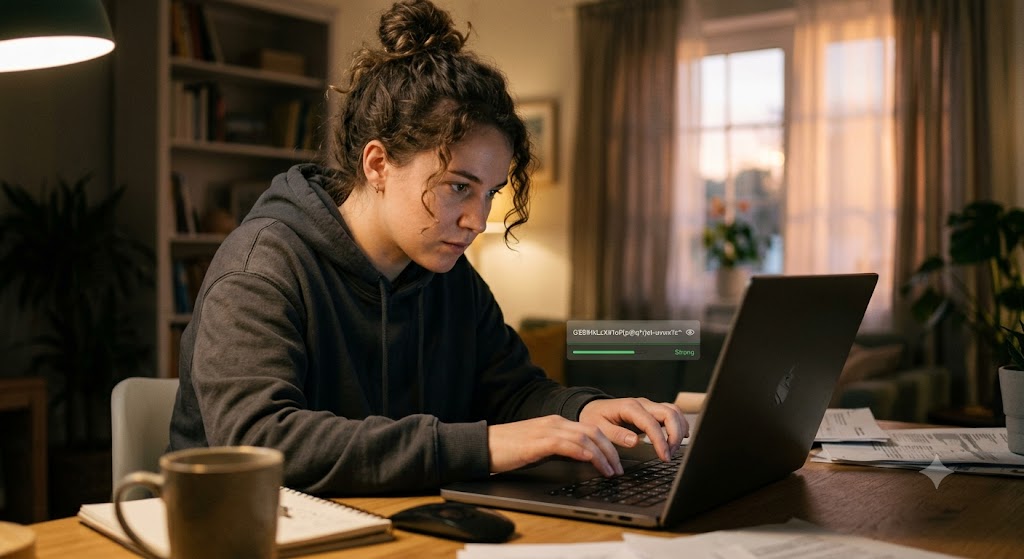
I saw a graphic a couple of years ago that showed how easy it is for threat actors to get through easy passwords. What was startling about it was that unless you had a ten-character password, you were basically inviting in anyone who wanted to see your data. The longer and more complex your passwords are, the safer your data will be.
It’s important to remember also that having multiple passwords makes your digital systems much safer. If you simply had one password for everything, then if someone were to attack you, they wouldn’t need to attack something big. They would only have to attack the less secure systems.
Let’s say, for example, you have online banking, a streaming service, and a jogging app that you have an account with. If you use the same password for all three, they would attack the jogging app, which may have less hardcore security than the banking app would, and once they get your password, they would be able to go to the banking platform with your password and get in. It’s that simple.
Having multiple passwords makes it so that if one system is compromised, it’s limited to that one, and it doesn’t take down everything you have.
Password manager
It’s impossible to remember passwords nowadays. I even recognize this. Being able to manage multiple passwords across God knows how many different accounts would be a full-time job for anyone. So my advice? Farm it out.
I have been using a password manager for years, and I can’t explain how much easier it has made my life on a regular basis. For example, if I come across something that needs an account, and I can’t remember if I’d set up an account yet, I simply consult my password manager. If I don’t have a record for it, I set up a new account and set that new password up in my manager. I don’t worry about passwords anymore because I have great faith in the service that they provide.
Say no to free Wi-Fi
I have mixed feelings about free Wi-Fi. In theory, it’s a good thing because it’s a company providing a service that would attract customers and allow them to use the free service. Then, because they are hanging out, they would be more likely to spend more time there. The example would be the people who hang out and work at coffee shops for the free Wi-Fi. Fair enough, I get why that would be enticing.
My issue comes from the fact that if you connect to a Wi-Fi network, your traffic could be monitored. TO BE CLEAR: I’m not accusing businesses of monitoring your activities while you’re using their Wi-Fi. What I’m saying is that there is no way to tell the difference between the network “Storefreewifi” and the network “Storefreewifi1.”
In any other circumstance, the difference wouldn’t matter, but in this case, “Storefreewifi” is the example cafe’s Wi-Fi network, which is good to use, and “Storefreewifi1” is the network that has been set up by a threat actor who is there to trap you and monitor your traffic.
Personally, I don’t like connecting to free Wi-Fi whenever possible because it prevents me from being possibly exposed to threat actors who would try to steal my information. It’s better to hotspot your own phone and pay a slightly higher bill than have to figure out where it was that you gave someone (albeit unwillingly) your banking password and try to recover your identity after it’s been stolen.
2FA anywhere possible
2FA, or Two-Factor Authentication, is a big thing for me. I have been saved on multiple occasions by 2FA. Whenever I have the ability to utilize 2FA, I do it. I’ll get more into the nitty-gritty of 2FA next week, but I would highly advise using it wherever you can.
Having a secondary check helps ensure that you are the only one who can log into your system. Don’t get me wrong, having a diverse set of strong passwords is a good step toward being secure, but it’s not the only step. Having 2FA set up for your systems allows you a sense of security and the knowledge that it takes more than one step to get into your own systems. Without it, you would have no idea who could possibly get into your systems.
I was having a discussion at a social event a few months ago. I’d just met the person, and after learning that I worked in the cybersecurity industry, they asked me if it was really all that important. Like, should they be super invested in making sure that everything is (as they put it) “over secured.”
I didn’t take offense to this; frankly, people ask me similar versions of this all the time. I asked the person if they owned a home, and they did. I then asked what the odds were that they would get robbed if they left the front door open, and they acknowledged that the odds were pretty high. Similarly, I said, if you had a lock on your front door and a security system, would your odds go down for getting robbed? They said that the odds would go down.
The point of this conversation was to point out that if you are willing to keep your physical world secured in order to keep it safe, why wouldn’t you be willing to do the same for your digital world? Physical or digital, assets are valuable, and you need to be able to ensure that there are protections in place to keep them safe. The five simple things that I have laid out here will help with guarding your digital assets and keeping you safe.
How do you feel about this list?
Let me know in the comments section below. If you like this blog post and want to see more, you can follow me on Social Media (LinkedIn, Instagram, Blue Sky and Facebook @jasonlovefiles) or Subscribe to my blog to get new content delivered directly to your mailbox.