


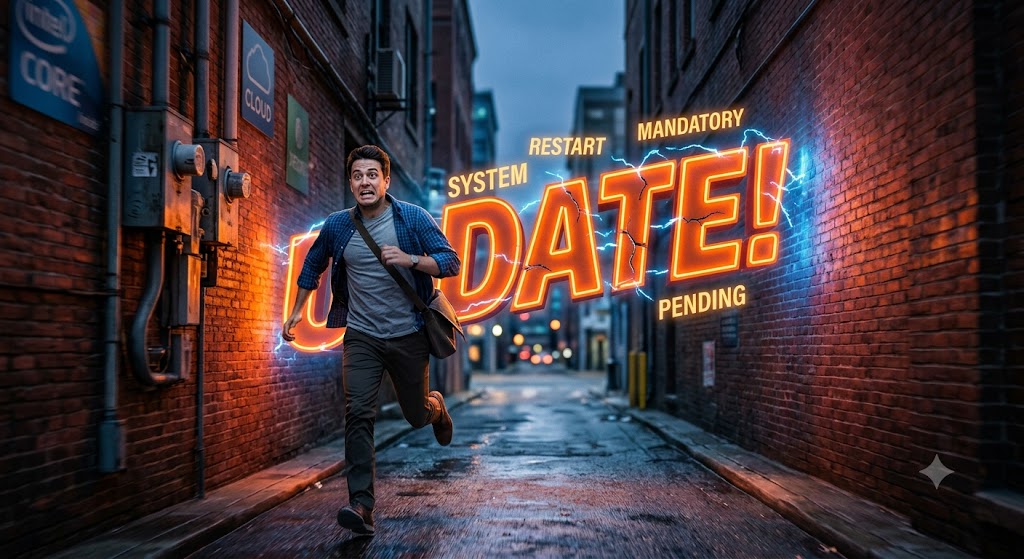
So here’s the thing. I’m a massive proponent of updates. Making sure that they are done. Ensuring that they work right and learning whatever changes to the functionality have happened because of the updates. I also know that I am in the minority in this regard. I can’t count the number of people that I’ve encountered who at least grumble and gripe if not out and out complain about what happens with updates.
1) Security updates are critical
As much as people seem to complain, there are a couple of good reasons for ensuring that your updates get done. The first (and most important) is for security reasons. The fact of the matter is that the internet is always changing, and with those changes come vulnerabilities which could infect your system. I know what you’re thinking; “How does my Angry birds update affect my security?” So here’s the thing, your apps are connected to your device, which has your Personally Identifiable Information (or PII) and if the app gets compromised it could leave your PII vulnerable. Ensuring that your apps (no matter how seemingly insignificant) are protected against possible incursions is one of the easiest things you can do to maintain your digital security, so doing it is something that we all can do. Moreover, it’s something that we all need to be doing.
2) New functionality is key
The other trick with updates is that when a program comes out it can do a specific set of things. Perhaps there is a new functionality that can be incorporated into the app you’re using. Certainly AI being implanted in a variety of different apps has been a big reason for updates of apps this year. Some gaming apps will have specials that they need to have displayed in their apps, but the programming can’t function without an update. In order to keep your apps recent it’s always good to make sure that your apps have the most recent updates so that you are seeing the best of what they have to offer. The other thing is that there are some apps and operating programs that will stop functioning properly if you don’t do the updates in a timely manner. This is something that Apple has done for a very long time, and as an update enthusiast, I’ve been a big fan of. Windows has started doing this as well, and it makes me happy knowing that for people to use their computers properly they need to ensure they do their updates.
3) Some things can be auto updated, some not (so check often)
The real trick with doing updates is making sure you check in on them every once in a while. To be clear, I’m not suggesting that you be checking constantly, but every once in a while making sure that there is an update that needs to be done is a good thing. The reason for this is because, even if you set your device to do updates automatically, and specifically if there are Operating System (or OS) updates, some can be done automatically. There are some that come every once in a while which require you to actually click to confirm that the update is occurring. In those cases, you will definitely need to stay on top of your updates.
Updates tend to get a lot of hate because they interrupt people from doing whatever they need or want to do. I get this, I have experienced this myself. Here’s the thing though; if you don’t do your updates you will be exposing your data to infiltration or the apps that you use will simply break down. No one wants that for you, not even the people who are pushing the updates. It’s very important therefore to stay up to date. What I do is check my updates every once in a while just before I go to bed. That way, any updates that need to occur do their work while I’m sleeping, and thus not interrupting my day. On the big OS updates I usually find some time (and it’s at most 10 minutes or so) to sit down and get the update done. Admittedly, I’m usually watching TV or whatever while I’m doing it. Updates are important for making sure you are able to use your apps properly, so it only makes sense to get them done as quickly as possible.
How are you on updating your programs?
Let me know in the comments section below. If you like this blog post and want to see more, you can follow me on Social Media (LinkedIn, Instagram, Blue Sky and Facebook @jasonlovefiles) or Subscribe to my blog to get new content delivered directly to your mailbox.