


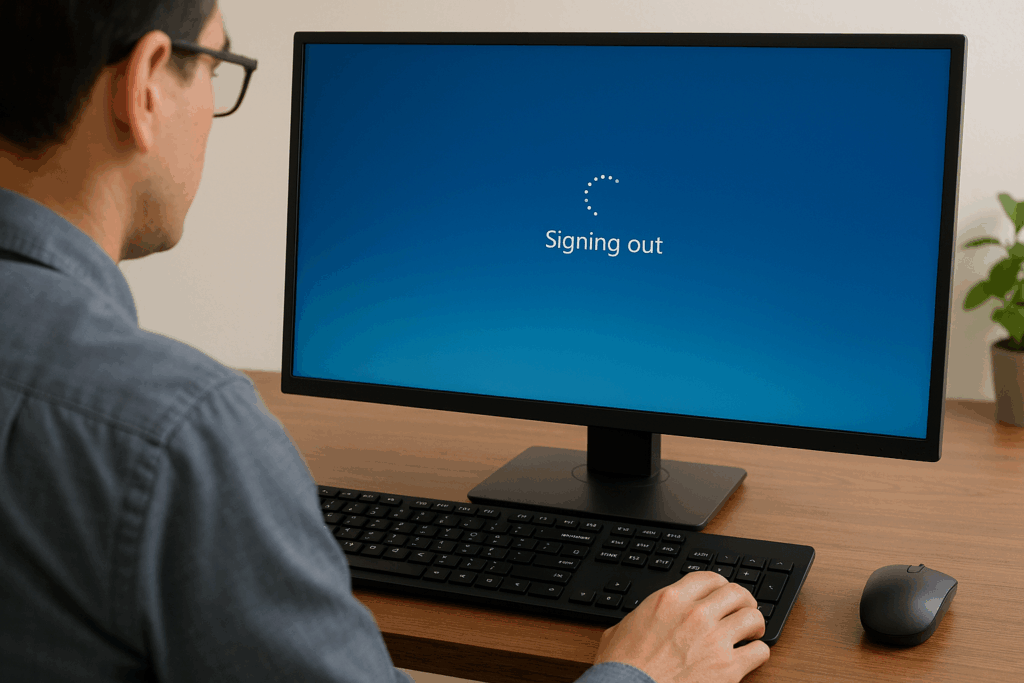
Picture this: You’re on vacation somewhere, and you have the ability to sign into your favourite streaming service from your hotel room. Honestly, I’ve done this before. After a day of touring around while on vacation, being able to kick back and watch one of my favourite shows is enjoyable for me. The trick is not signing into that service, it’s remembering to sign back out.
- The account stays logged in – Like most devices in your home, unless you physically sign out of the device that you are borrowing, then you can’t guarantee that the device won’t get signed out before the next person uses it. This means that whoever uses that device next will have full access to your account information and, more importantly, some level of control over it. For most of us with paid accounts for things, you need to maintain your security levels. If you don’t, you run the risk of having your account stolen or, worse, your financial information stolen.
- Strangers accessing your data – I work in cybersecurity, and one of the things that keeps me up at night is the thought that someone could be accessing my data. I do everything I can to ensure that my data is as secure as possible. This includes using complex passwords, enabling 2-factor authentication, and occasionally changing my passwords. This, along with making damned sure I sign out and that my account info is removed from any device I don’t own, are steps we should all be taking to ensure our data is secured.
- Digital sanitization – WARNING: TECHNICAL TERM INCOMING!!! An Endpoint is any terminal where you access online data. This could be your phone, tablet or computer. To stay as digitally sanitized as possible, it’s important for you to control and be aware of any physical connections to your digital systems. By being aware of all your digital endpoints, you can maintain a level of security that allows you to access your systems. If you aren’t digitally sanitized, you will have no control over your systems, and then anything can happen to your data.
Whether you are at home or abroad, you need to make sure you have a handle on your technology and internet accounts. Knowing how you’re using them, and more importantly, if they are being used by someone other than you, is a critical step in maintaining your digital security. So do me a favour: if you’re going on vacation in the near future and need to sign into a system of yours on a device that isn’t yours, please make sure that you sign out when you’re done using it and keep it signed out. That way, you can maintain a level of security for whichever system you would like to use, and your local tech blogger will sleep a little better knowing that you’re maintaining your systems.
When do you sign into devices that aren’t yours?