


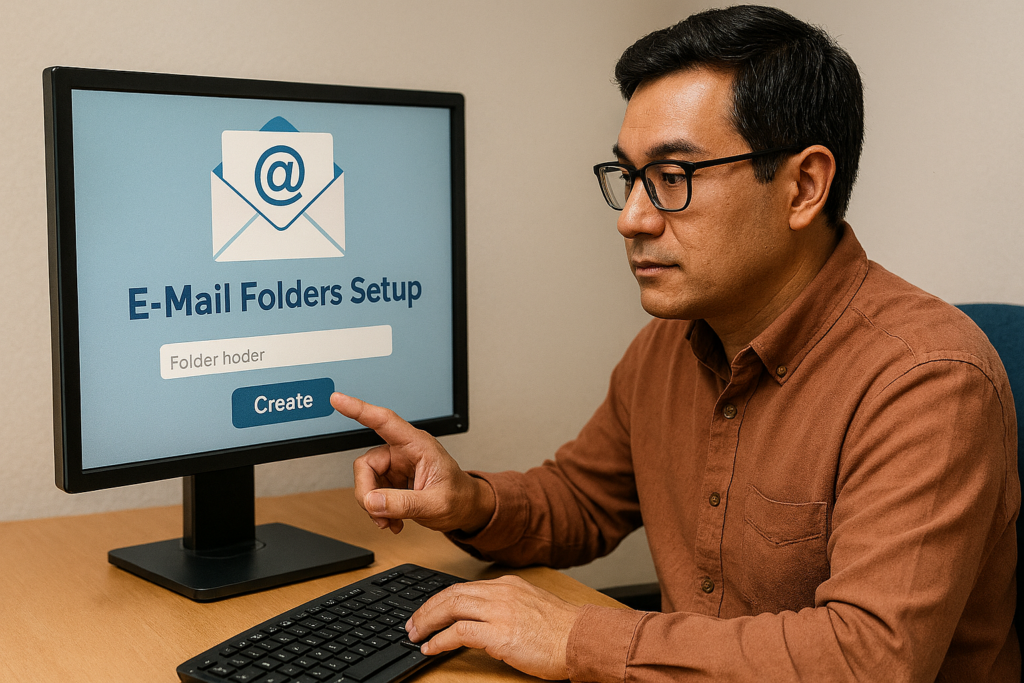
I was planning to write a post on something else Cyber Security-related, but I had a conversation with one of my co-workers, and, frankly, I got inspired. One of my resolutions this year is to keep my inbox as empty as possible. I have spoken before about how I like to use my inbox like a To-do list, so that any open issues are right in my face. The only problem is that sometimes the Tsunami of emails hits me, and I lose what’s important. My New Year’s resolution this year has been to be very much on top of both of my emails. As I have a personal and a professional, it can seem like double the work, but with a well-maintained system, it’s a snap. There are various methods you can use to organize your email.
1) Set up by Contacts – I like setting up email folders by contact because if someone is asking about an email they sent me, or if they are following up and I’ve totally forgotten what they are on about, it’s not hard to find the emails that they sent you. The good thing about this is that, as mentioned, finding emails can be relatively simple. The downside of this system is that, depending on how many people you know or are in contact with, it could result in many folders. One way to reduce the number of folders is to group people. In your personal life, you could set up folders like “Family” or “Friends” (comes to mind here). In a professional capacity, you may set up folders for a specific division of your company or for people in offices other than yours. What I typically do is if there is a large group of people whom I email with, I will set up one folder for that group, and then if I find that one person emails me more than the others, I will assign them a subfolder with their name on it so that I can see their emails more specifically.
2) Set up by subject – Setting up folders by subject matter is very helpful. Typically, I find this type of email organization helpful in my professional life because I often work on specific projects with a variety of people who are not strictly connected, and keeping a folder for those projects or subjects is quite helpful to me. In my personal life, I have set up folders for my family reunions, which subsequently have subfolders for each year we have one. I also have a folder for “house stuff,” which holds, more or less, anything I have emailed myself about running my home. In my professional life, it is much the same. Most of my work is project-based, so I create a new folder for each project and sometimes set up subfolders if there are specific items that need to be accounted for later.
3) Don’t be afraid of subfolders – I’ve been talking about it throughout this post so far, but I should emphasize the point. Subfolders…are…your…friend. They can be a way to separate emails from a specific person or group, but they can also store older projects or other folders that are no longer needed (which I also use them for). I personally am a big fan (if you couldn’t tell already) of being able to subdivide and organize by topic, and subfolders are (for email organization) the best way to do that. I took a tip from my Dad when he organizes his email: when he has an important topic, he creates an email folder, and when the event or subject is dealt with, he puts the folder in a place where it’s not easily visible. He puts it away because the topic is done, so he doesn’t need to see it anymore. Putting away old folders is a trick I’ve put into my own email filing system.
BONUS TIP! I want to ensure that my email folder structure matches the one in my filing system. If you have one or the other already built, you can use it as a framework for the other. They won’t be the same, and that’s fine. So long as the general flavour is the same, you should be ok. It’s also a good idea to create a new folder in both your filing system and email system whenever you start getting files and emails about a specific topic, so they are mirrored and you know where to look should you need to down the road.
A while back, I lived my life in my inbox, and, frankly, I didn’t enjoy it. I have taken real pride over the past few weeks seeing an empty inbox regularly. Yes, there are times when I like to keep stuff in my inbox so it’s top of mind, but that’s usually only action items I haven’t acted on yet. The whole point of having an email filing system is to have an actual system in place so that you know what goes where. The whole point is to get to the point where you don’t have to think about where your emails are going, or more importantly, where they went. You’ll know because you know your system.
How do you like to file your emails?
Let me know in the comments section below. If you like this blog post and want to see more, you can follow me on Social Media (LinkedIn, Instagram, Blue Sky and Facebook @jasonlovefiles) or Subscribe to my blog to get new content delivered directly to your mailbox.