


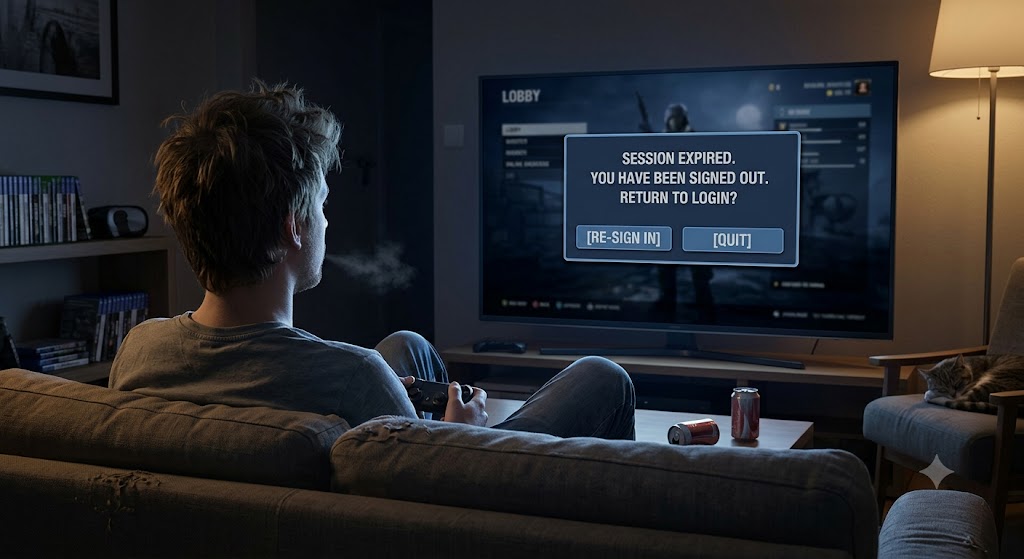
There are two types of connections that I worry about on a regular basis: the physical kind and the digital kind. I worry about the physical kind because if a cord isn’t connected properly it means that the computer won’t work the way you want it to, and let’s be honest here, fixing those kinds of connections is an IT person’s bread and butter. The digital kind is something else entirely. The connections you make to your digital systems need to be maintained and understood by every user, otherwise it could get really bad.
1) Guest machines
I worry constantly about guest machines. Here’s the scenario: you’re at a hotel and you are kicking back after a busy day and you turn on the TV in your hotel room. One of the things that you notice is that your favourite streaming service is available for usage, but you need to sign into your own account. Fair enough, you sign in and start streaming. That’s not the problem. The problem is when you leave the hotel and don’t sign out from the streaming service. If you don’t sign out you can’t guarantee that the next person to use that TV won’t try and steal your account. They can because once you sign in you are giving the TV the ability to access everything about your account, like for example, the ability to change your password. My general rule of thumb is that if I don’t control the device, I will not sign into my own accounts if I can help it. If I do have to sign into one of my accounts, I always sign out before I leave the guest device.
2) Where are you logged in?
This is a big question nowadays, and as always with the complex nature of how our digital systems can be, there are many different things to consider. First of which is what devices you use on a regular basis. If we’re talking about your phone or tablet or computer, it makes total sense to be logged in all the time there. These are your regular devices that you want to have connected to your accounts. If you sign into devices that you don’t control on a regular basis, simply make sure that you are signed out of anything that requires you to put a password in before you leave. That way you are assured that your account won’t be compromised going forward.
3) Security could be compromised if you don’t sign out
If I’m being honest, I have, on occasion signed into devices that weren’t mine. Guest devices at hotel business centres and whatnot. I will even admit that in my younger years I didn’t strictly follow the rule of signing out afterwards. I just assumed that the place where I was using the device would do it for me. That attitude isn’t really worth the risk anymore. Nine times out of ten, if there is a sign saying something like “The system will log you out after usage” that might be true, but do you really want to risk that this is the tenth time and that someone will have access to your data going forward? This isn’t paranoia, this is being intentional about using your technology and your systems to make sure that your systems are secure.
In theory there can be nothing wrong with using devices that you don’t own to access your own data. The trick isn’t the usage, it’s what happens afterward. While your physical connections (cords and wires and whatnot) allow you to be able to work with your systems, it’s the digital connections that really matter. Maintaining those connections and knowing which systems are connected where will make a major impact in your overall cybersecurity structure. It’s prudent to ensure you know what your systems are connected to. If you don’t, then you can’t be certain of which systems have been infiltrated by outsiders who you don’t want in your systems. Making sure that your virtual connections are secure should be a number one priority. This includes setting up 2-factor authentication and complex passwords which will help to make sure that you are the only one accessing your systems.
Do you use outside devices regularly?
Let me know in the comments section below. If you like this blog post and want to see more, you can follow me on Social Media (LinkedIn, Instagram, Blue Sky and Facebook @jasonlovefiles) or Subscribe to my blog to get new content delivered directly to your mailbox.