
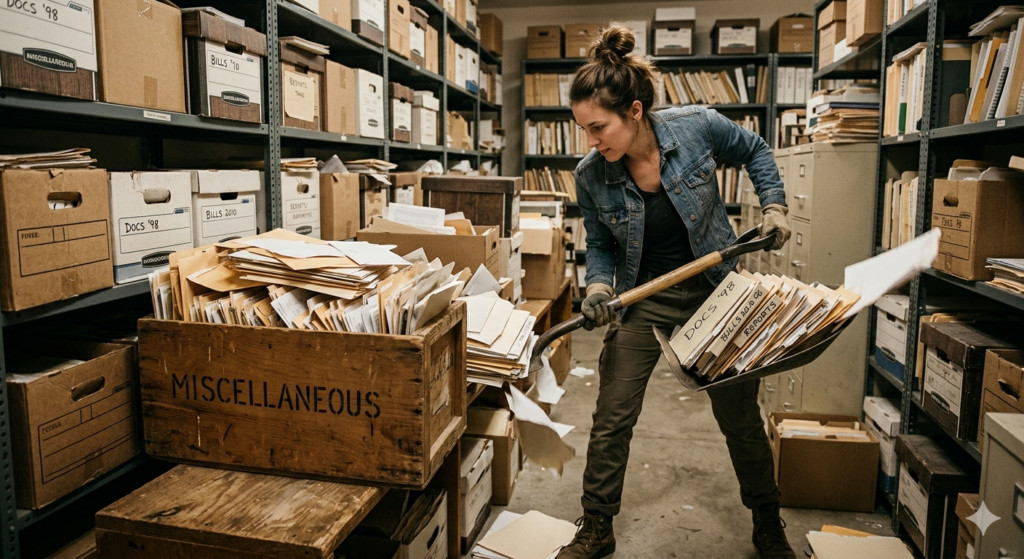
I’ve been talking all month about your filing system. For those of you who have been paying attention, I’ve (admittedly in passing) mentioned a Miscellaneous folder where anything that isn’t easily sortable should go. There are a variety of reasons someone would use their Misc. folder. One is that they upload a file that doesn’t really fit within any of the pre-existing folders in their filing system, and they don’t want to create a whole new folder for one file. That’s what I typically do. The other situation I find is when there’s a special project (again, without an existing folder) that I’m working on, and it requires a few different documents with no obvious place to go. No matter the reason you use the Misc folder, the trick is to make sure you clear it out every once in a while.
1) Sort things where they belong – Sometimes when you’re throwing a bunch of stuff in your Misc folder, some things that already have a place accidentally get transferred in as well. This is one of the reasons I suggest going through your Misc folder on a regular basis. Keeping things in their proper place is important, as I’ve discussed, because it makes things easier to find later. If you don’t put documents where they’re supposed to go, things eventually pile up in random places and you won’t be able to find anything. I totally get not being able to correctly file things every time you add a new file to your system, but putting it off will end poorly.
2) If they don’t have a spot, make one – I’ve spoken before about how building a system will help you file and find your documents later. The trick is that whatever system you decide to build isn’t strictly set in stone. Your system should be ever-evolving to meet your needs. If you start with a system that does one thing and you end up needing it to do something else, trying to stick to the old methodology doesn’t make any sense. My general rule of thumb is that if there is a set of files that ends up building in my Misc folder (and by “a set” I mean more than three) that could become its own separate folder, I go ahead and make one. I generally stay away from making folders before there is a need for them, but if you notice trends in your Misc. folder and there are enough files to give a set its own folder, there is nothing wrong with making one and setting it up somewhere else in your filing system.
3) Don’t let it build up (Schedule time more than once a year) – The good thing about managing your own system is that you get to do it yourself. The downside is that you have to do it yourself. As my long-term readers will know, I’m a massive to-do list nerd. While I won’t go deep into it in this post, I will simply say that I schedule time throughout the year to empty out my Misc folder. By setting aside time to properly organize your files, you get specific times to think about what needs to go where in your filing system, and you also get the ability to not really worry about it the rest of the time.
I get it. Spring cleaning sucks. The problem with not getting to it is that eventually you’ll be looking for something and won’t be able to find it because of all the nonsense piled on top of whatever it is you’re looking for. The same is true for clearing out your Miscellaneous folder. It’s important to have a Misc folder so you can file away documents that don’t strictly have a home already set up. But making sure you clear it out every once in a while is also important, because it means you’re actively using your filing system and making sure you can find anything you have anytime you need it. If you don’t do these things, you run the risk of opening your filing system one day and seeing a massive pile of indistinguishable documents that make no sense at all. When you really need a document, it’s good to be able to find it easily, and having a well-organized system will help you do that. Having a Misc folder is one of the many steps to help you along with that.
Do you have a Misc folder?
Let me know in the comments section below. If you like this blog post and want to see more, you can follow me on Social Media (LinkedIn, Instagram, Blue Sky and Facebook @jasonlovefiles) or Subscribe to my blog to get new content delivered directly to your mailbox.