


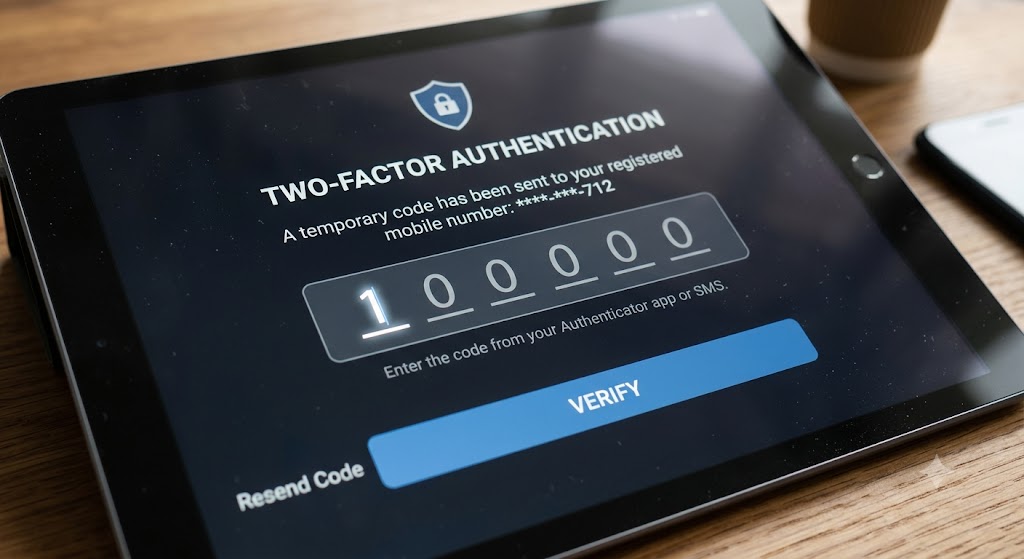
Last week, I talked about 5 Cyber Security Habits I wished everyone had. One of them was enabling 2FA at any chance they get. I also mentioned that I would be talking about it more this week… so… here we are, and here we go.
So here’s the thing: it’s really important to have multiple different and complex passwords. That’s not the issue. The issue is that technology is getting better and better, and being able to bypass passwords is getting easier, no matter how complex they are. It’s important, therefore, to be able to have a way to protect your data from threat actors who would want to get into your accounts. Luckily, the ability to do this is already built into many different internet account types. It’s called Two-Factor Authentication.
How it works
When you land on a website that requires a username and a password, it’s like putting a key into the lock of your front door. The key won’t fit any lock, and it won’t open just any door, just the one to the house with your stuff in it. Similarly, if you try to put in your username and password to a place that you haven’t assigned it, it won’t work. If you have your email and password for a social media account and you try to log into your bank, it won’t work.
Where 2FA comes into this analogy is that if someone is able to pick the lock of your front door, they won’t be able to get past the bouncer that you have at your front door who needs a passphrase for you to get in. 2FA works as a secondary check to verify that you are, in fact, the user that you say you are. When you set up your account, you set up a way for 2FA to work (texting your phone, for example) so that only you would have access to your actual account.
Why it works
If someone were to get your login and password to a particular system (let’s say your online banking), then they would be able to access your account as if they were you. This would give them access to your personal information and the ability to manipulate your account in any way that they see fit.
The reason 2FA works is because even if someone were to decipher your username and password, they wouldn’t be able to gain access to your account without having physical access to your device where you receive the 2FA code. It makes it so that they can’t gain access to your systems without you there. The reason that 2FA works is, unlike your passwords, the code that is sent to you changes every time. It is a rolling six-digit code, which means that it changes either every 20 seconds or every single time you use it.
I have, on a couple of occasions, been bopping around online and had to go in and out of my online banking website. Every single time I went back to my bank’s website, it wouldn’t let me in without a 2FA code. I’m perfectly happy with this because, with all the traffic out on the internet, it would be easy for a system that is constantly having to let people in to miss one extra entry. 2FA makes it so that you don’t have to worry about who is accessing your systems, because the only one who is able to gain entry is you.
Stay away from security questions
There are a variety of different ways that you can utilize 2FA. One way, as I’d mentioned, is through receiving text messages. Another way is through using security questions. I don’t particularly like those, as they are eerily similar to the questions that you answer on the “about you” page on your social media. Things like “What is your mom’s maiden name?” “What was the name of your first pet?” or “What street did you grow up on?” are common as both security backup questions for websites and stuff you would freely put on social media.
One of the stories that I like telling when referring to 2FA happened to me a number of years ago. I received an email from my cloud account that said (essentially), “Thank you for logging into your account. Here is your 2FA number to proceed to your account.” Now, this is a fairly standard email that I receive from my cloud provider when I log into my account. The difference this time was that I was in the process of walking my kids to school when I received the email.
So, bad news: this told me that someone had figured out what my username and password for my cloud service was. Good news: because they didn’t have access to my device, which got the 2FA code, whomever it was trying to break into my account was unsuccessful.
If I didn’t have my 2FA set up, all of my data could be compromised or just straight up wiped from my system, and I would have no way of knowing what had happened.
Do you have 2FA enabled?
Let me know in the comments section below. If you like this blog post and want to see more, you can follow me on Social Media (LinkedIn, Instagram, Blue Sky and Facebook @jasonlovefiles) or Subscribe to my blog to get new content delivered directly to your mailbox.